Class

You decide what digital learning looks like.

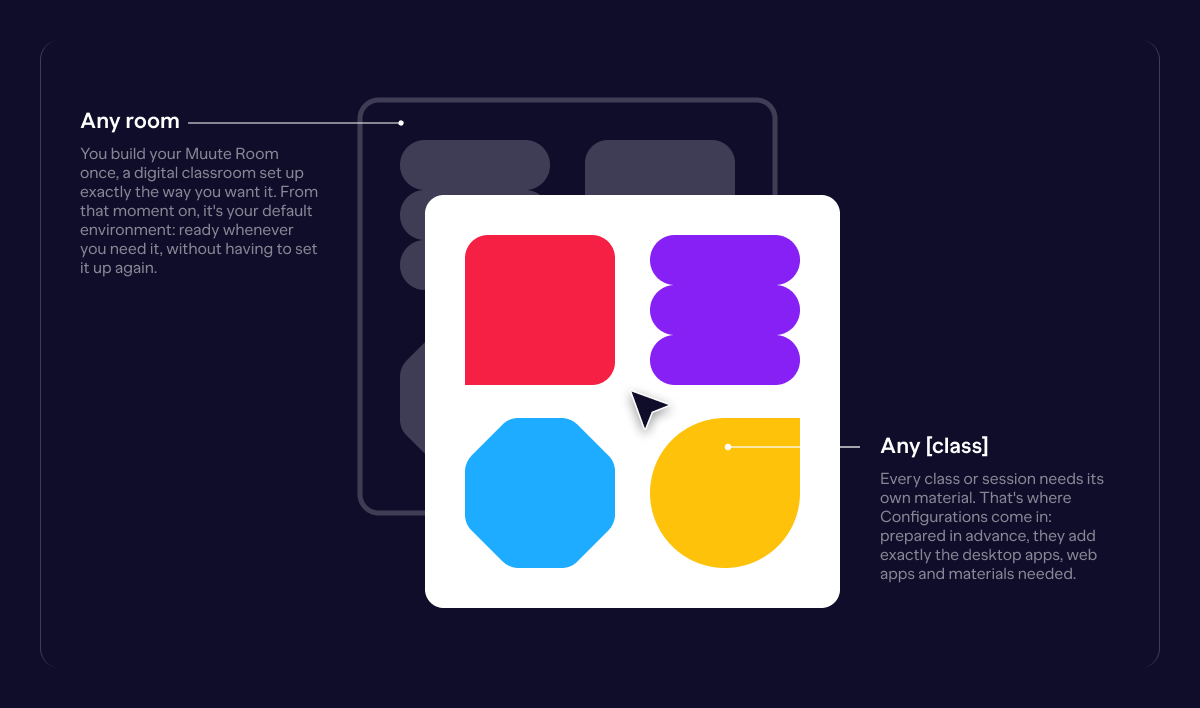
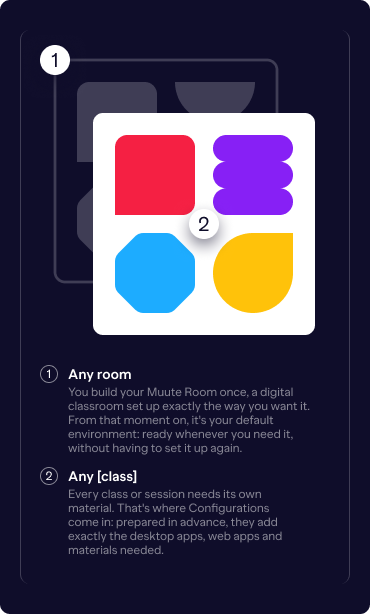
Every Muute Classroom is your digital classroom. Inside it, you activate a Configuration: the desktop apps, web apps and files students can use, prepared in advance and switched on with a single click. Students join with a simple link and code. From that moment, their device shows only what you've allowed.

The result: a classroom where technology finally supports learning, instead of distracting from it

classroom-placeholder

Rooms and Configurations

Muute Class puts you in control of the digital classroom. With one click, you decide which desktop apps and web apps are available, so every class begins with focus, not distraction.

MUU_Start Configuration_Any class_Desktop
MUU_Start Configuration_Any class_Mobile

Oversight without complexity

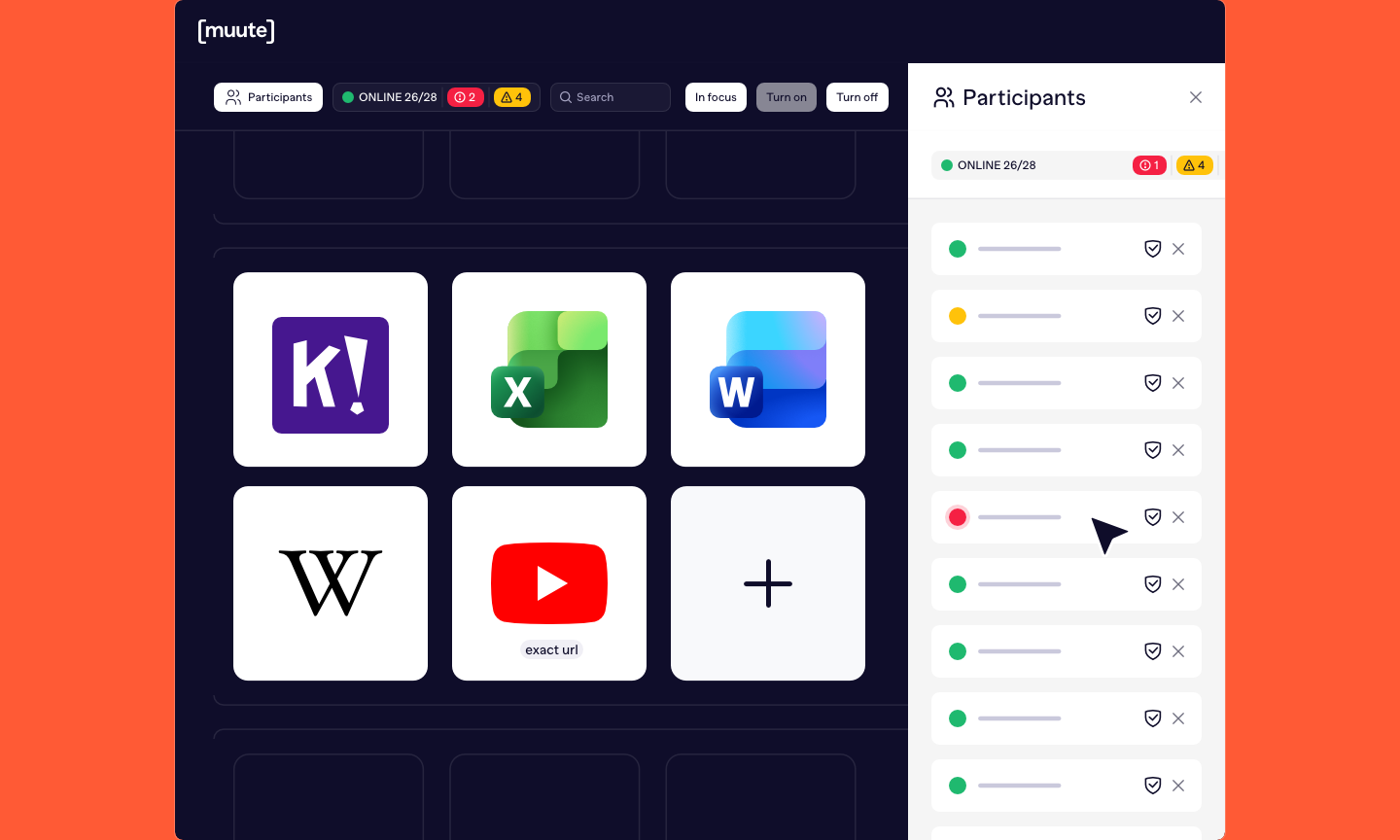
See your classroom at a glance. The overview shows when a class has started and who's actively participating, in real time. If anybody tries to leave the environment, you're notified immediately.

No unnoticed tab-switching, no silent gaps in oversight. A room where everyone stays present, and a foundation that education can build on.

Surv class

Add during a lesson

Focus doesn't mean fixed. Even while a class is running, you can make an extra app, website or piece of material available in the Room, exactly when it's needed, with a single click. 

Switch off

Just as easily, remove an app, website or material from the Room, mid-class and with a single click. Focus stays exactly where you want it. 

Focus

One tool, undivided attention. With a single click, you make one app, website or material the centre of the screen for the entire Room. Everyone looks at the same thing, at the same time.

Freeze

Sometimes the biggest distraction is the screen itself. With a single click, Freeze shifts every student's attention away from their device and back to you.

”Before, my students would easily drift to other sites or apps, no matter how well I prepared. With Muute [class], I decide what’s available, removing distraction from the start. It brings calm to the classroom and helps everyone work with the same focus.”

Teacher
Vector-1 shape-blue-xs
”I used to get distracted easily. There was always another tab or app calling for attention. Now that’s gone, and it’s much easier to stay focused on the lesson.”
Student
Shape shape-green-xs
1 2

Join the movement for focused digital learning.

Let’s shape the future of digital education. One calm, focused classroom at a time. 

placeholder-2